SEG Installation
Why is your SEG graphic too tight, loose or wrinkled?
A step-by-step way to separate frame fit, graphic sizing and sewing issues before changing your specification.
The solution at a glance
Investigate seating, sewn-edge geometry and finished graphic size separately before changing the keder.
- Identify where the problem occurs: channel, sewn edge or graphic surface.
- Check frame fit, graphic dimensions and installation tension separately.
- Change one factor at a time and compare the finished result.
What should you inspect before changing the Keder?
Start by locating the problem. Does the strip resist insertion everywhere, or only at a corner? Is the edge seated but the fabric face loose? Does a wrinkle follow a seam, or cross the printed area? These observations help distinguish channel compatibility from graphic sizing or sewing behavior.
Photograph the overall display and close-ups of the affected areas before removing the graphic. Keep the strip, frame and fabric identifiers together. If a previous production batch worked, compare it with the current assembly under the same installation conditions.
- Record where the symptom appears.
- Identify what changed since the last approved sample.
- Use one controlled adjustment at a time.
Why is the edge difficult to insert?
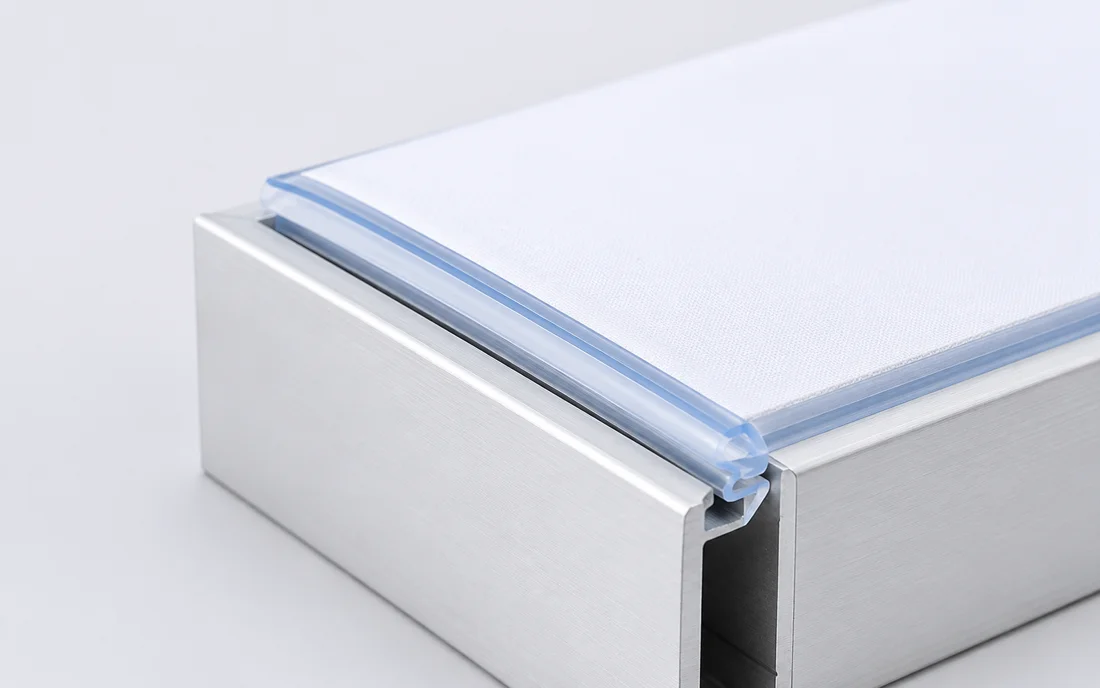
Stop rather than force the strip into the channel. Inspect for a twisted sewn edge, accumulated fabric at corners or an obvious mismatch between strip and channel. Follow the frame supplier's recommended installation sequence and confirm that the edge is presented in the intended orientation.
If insertion is difficult along the entire perimeter, compare strip dimensions and the sewn assembly with the approved sample. Also check finished graphic size: an undersized graphic can create high tension even when the strip itself matches the channel. Avoid trimming or changing multiple components before identifying the cause.
Why does the installed graphic feel loose?
First check whether the keder is fully seated and retained. A partly inserted or incorrectly oriented edge can look like a dimensional problem. If the edge is seated correctly, examine whether the fabric face has excess material relative to the intended frame opening.
Compare sewing position and completed graphic dimensions with the approved reference. If retention itself is inconsistent, investigate the strip and channel combination separately. A larger strip is not a universal solution to a loose-looking graphic, particularly when fabric sizing is the main issue.
How do you investigate wrinkles and uneven corners?
Inspect whether the wrinkle corresponds to a local sewing irregularity, uneven seating or corner buildup. Follow the frame supplier's guidance when reseating the edge, and observe whether the symptom moves or remains in the same place. That distinction can help narrow the investigation.
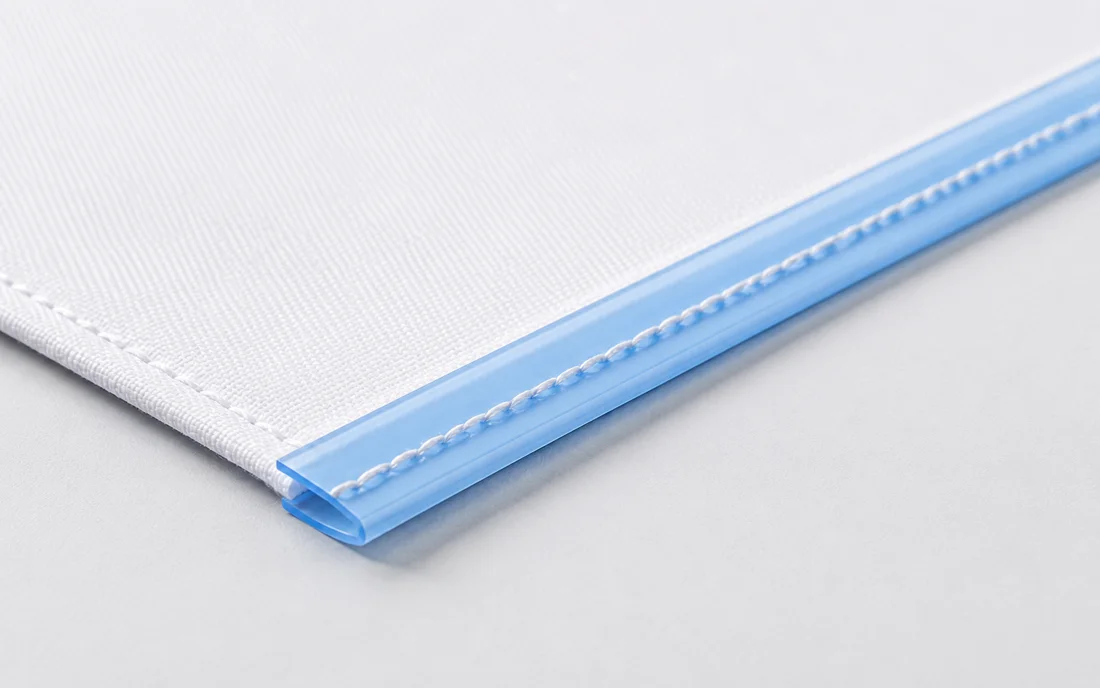
Check whether the fabric was fed consistently during sewing and whether seam position varies around the perimeter. Different fabrics may need different handling. Do not assume the keder material is at fault solely from the appearance of one installed graphic; compare a second controlled sample if possible.
What information helps BIVO review the problem?
A concise support brief should identify the frame, fabric, strip material and dimensions, together with photos of the installed problem and the sewn edge. Explain whether the issue affects all graphics, one size or one batch. Include any changes to sewing, cutting or installation since the last successful result.
Use the findings to agree the next test, such as checking another strip dimension or repeating the sewn sample with the original machine setup. Record the outcome before approving a revised production specification. This keeps troubleshooting focused and helps prevent the same uncertainty returning on the next order.
- Include overall and close-up photos.
- Provide the relevant sample or batch reference.
- Describe the last successful configuration, if available.
Custom Keder for your application
Tell us your application, dimensions and performance requirements. Contact BIVO to discuss material selection and a custom Keder solution.
Contact us for custom Keder